Introduction
Instagram offers a variety of profile types to suit users' needs: Personal, Business and Creator. All Instagram profiles start as personal profiles by default. However, you have the flexibility to convert a personal profile to a business or creator profile at any time, depending on your goals and needs.
Instagram Account Types
| Instagram Account | Description |
| Personal | Automatically created upon Instagram signup. |
| Limitations on metrics and direct links in bio. | |
| Share content and stories. | |
| Ability to add a link in the bio. | |
| Linking with Facebook account for content sharing. | |
| Creator | Designed for public figures like artists, bloggers, etc. |
| No required follower limit. | |
| Offers detailed analytics and message management. | |
| Segmented categories and contact option in bio. | |
| Business | For local businesses, brands, and organizations. |
| Detailed metrics and promotion tools. | |
| Does not offer segmented categorization or triple inbox messaging. | |
| Option to add call-to-action buttons in the bio. |
Personal account on Instagram
When you sign up for Instagram for the first time, a personal account is automatically created. This type of profile has some limitations, such as the lack of metrics and analytics about your activity, as well as the inability to add direct links in your bio.
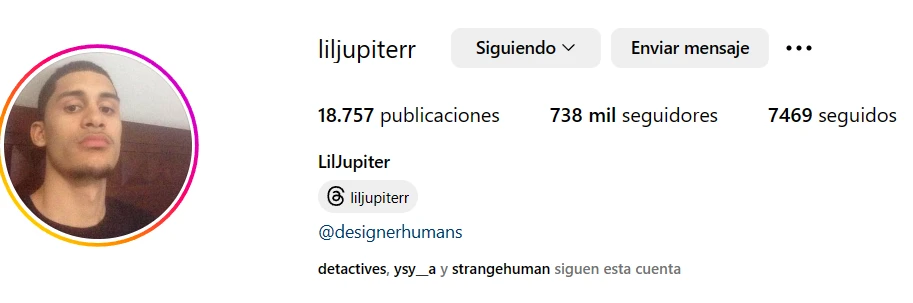
Features of a Personal Account
- Share Content and Stories: Post photos, videos, and live streams without restrictions. However, you will not be able to access detailed analytics of your posts.
- Add a Link in Your Bio: Customize your bio with a link that directs your followers to your website or other platforms.
- Link Your Account with Facebook: If you also have a Facebook account, you can link it to your personal Instagram profile. This allows you to share content between both platforms and, in the case of advertising, create ads, although you will not be able to promote specific posts.
Creator account on Instagram
Creator accounts are designed for public figures such as artists, bloggers, athletes and a wide range of professionals, from literary editors to fashion designers and entrepreneurs.
This type of profile distinguishes between businesses and influencers, without limiting the number of followers required.
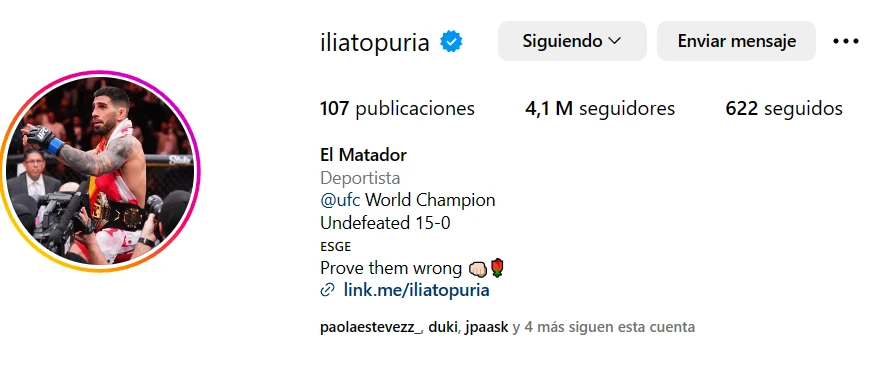
Features of a Creator Account
- Analytics and Message Management: Offers detailed performance analytics, responsiveness to messages, and the option to tag paid collaborations. Essentially, it combines the features of a business profile with tools designed specifically for influencers.
- Message Management: Creators receive a large number of messages from fans and requests from brands. Instagram includes three types of messages: a general inbox for messages pending approval, a main inbox for accepted messages, and a section for message requests from people who don't follow the creator.
- Segmented Categories: Creators can select from a wide range of categories to define their area of interest, from bloggers and models to writers and athletes. This information can be made public according to the user's preference.
- Contact Option: Like business profiles, creator profiles can include contact buttons in the biography, such as email, phone, or company address. This option can be turned on or off depending on the user's preference.
Business account on Instagram
Enterprise profiles are designed for local businesses, brands, organizations and service providers.
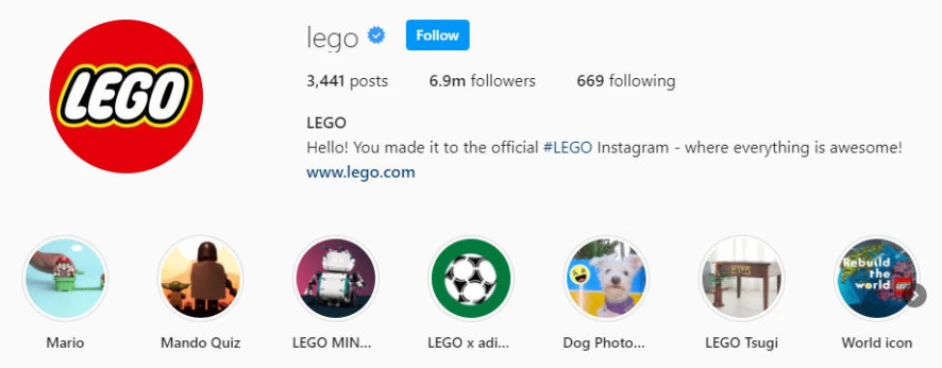
Features of a Business Account
- Metrics and Promotion Tools: Like Creator accounts, Business accounts offer detailed performance analytics, the ability to add call-to-action buttons in the bio, and the option to promote posts. The main difference lies in profile nomenclature and specific features. Unlike Creator accounts, Business accounts do not offer segmented categorization, triple inbox messaging, or the option to turn contact information on or off. Business accounts provide local businesses, brands, and organizations with the tools they need to manage their Instagram presence and connect with their audience effectively.
Conclusion
Understanding the different types of Instagram accounts can help you unlock the full potential of your profile. Whether you choose a Personal, Creator, or Business account, each offers unique features that can enhance your Instagram experience and help you achieve your goals. Evaluate your needs and select the account type that best suits your objectives to maximize your presence on Instagram.
Frequently Asked Questions (FAQs)
What are the different types of Instagram accounts?
Instagram offers three types of accounts: Personal, Creator, and Business. Each type has unique features and tools designed to cater to different user needs.
What is the difference between a Personal and a Business Instagram account?
A Personal account is automatically created upon signup and is suitable for general use, whereas a Business account offers advanced metrics, promotion tools, and is designed for brands and local businesses.
Can I switch my Instagram account type?
Yes, you can switch between Personal, Creator, and Business account types at any time through the account settings on Instagram.
How do I change my Instagram account type?
To change your account type, go to your profile settings, select "Account," and choose "Switch to Professional Account." Follow the prompts to select either a Business or Creator account.
What are the benefits of a Creator account?
Creator accounts offer detailed analytics, advanced message management, and the ability to tag paid collaborations. They are designed for influencers and public figures to better manage their engagement and content.
Is there a cost to switch to a Business or Creator account?
No, switching to a Business or Creator account is free. However, using some of the advanced promotion tools may involve costs associated with advertising on Instagram.