Introduction
Optimizing your Instagram profile is a crucial step in ensuring the success of your marketing strategy on this platform. A well-optimized profile increases visibility, projects a professional image, and converts visitors into followers. This article provides a detailed checklist to help you transform your Instagram account into a professional profile and grow your follower base.
Switch to a Business Profile
Switching to a business profile unlocks various tools to analyze your statistics, including followers, posts, likes, and comments. This is essential for implementing growth strategies. Here’s how to switch from a personal account to a business account:
- Go to your settings.
- Click on Switch to Professional Profile. You can connect your account to an existing Facebook page, which is not mandatory but necessary if you plan to use third-party apps.
- Add business details such as your category, profile information, and contact details.
- Click Done.
For more information on the different types of Instagram accounts, you can read this article: Types of Instagram Accounts.
Choose a Memorable Username
Opt for a username that is easy to remember and represents your brand or niche. Avoid complicated names or those with strange characters, making it difficult for people to find you. Examples include:
- websitebrainy
- yeezyboosts
- rockstarcr
Optimize your bio
Use your bio to describe who you are and what you do concisely and engagingly. Include relevant keywords related to your industry to improve your visibility in Instagram searches.
Use a recognizable profile picture
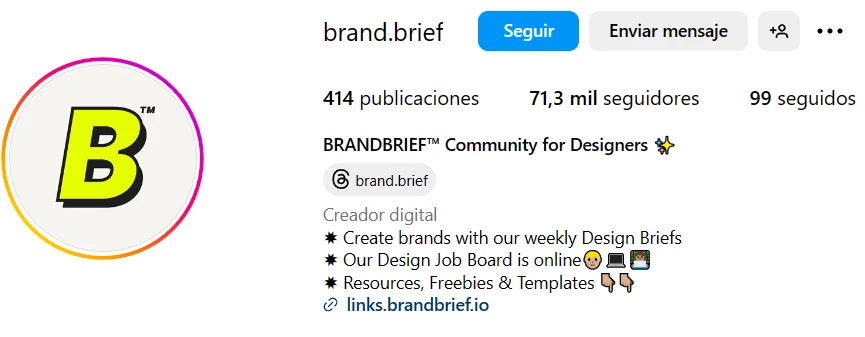
Choose a clear and recognizable profile picture that represents your brand or personality. A clear and attractive profile picture can help capture users' attention and build trust. It can be a photo of yourself if you are looking to grow a personal brand or your brand logo. Keep in mind that Instagram will crop the photo you upload into a circle, the recommended size is 110 px by 110 px.

Add relevant links
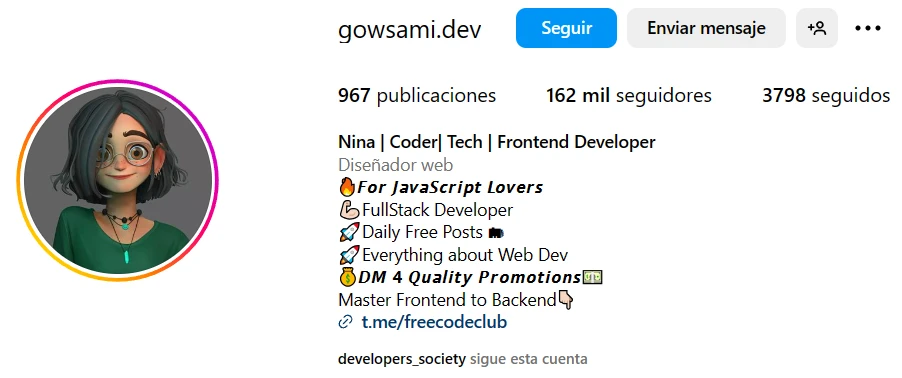
Take advantage of the link space in your profile to direct users to your website, online store or other social platforms. Use short, personalized links to facilitate navigation. Keep in mind that these links should lead to where the transaction of your product or service takes place, i.e. you use Instagram to attract and redirect traffic to convert.
Include a call to action (CTA)
In your Instagram bio you should include a compelling CTA to convince them to click on your link. Some examples would be "Click for a FREE download" or "Download my FREE gym routine". The use of emojis is recommended in this section to attract as much attention as possible.
Use featured stories to showcase specific products and services
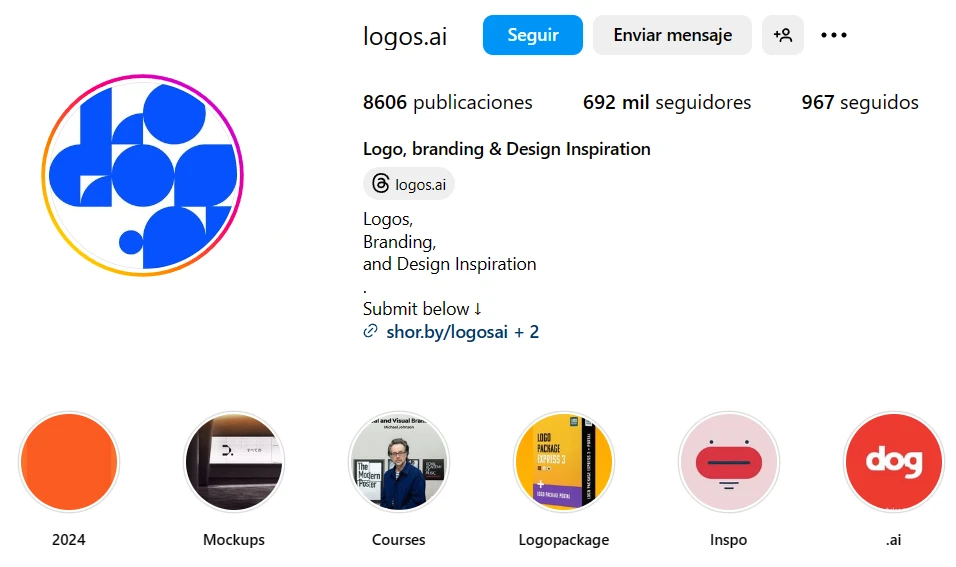
Businesses can anchor Instagram stories to their profile, grouped into categories. For example, you can have a category for your products, for events or for careers. Select (or create) images for category images that match your brand.
This way you can present your followers or viewers with a more humanized and real image of the processes you go through to create the products or services you offer, including testimonials or frequently asked questions.
Consistently Optimize Your Profile
Regularly updating and optimizing your Instagram profile is key to maintaining and increasing visibility. A well-optimized profile improves your brand image and attracts more followers.
Frequently Asked Questions (FAQs)
How can I switch my Instagram profile to a business account?
Go to your settings, click on "Switch to Professional Profile," add your business details, and click "Done."
What should I consider when choosing a username?
Choose a username that is easy to remember and represents your brand or niche. Avoid complicated names or strange characters.
How can I optimize my Instagram bio?
Describe who you are and what you do concisely and engagingly. Include relevant keywords related to your industry to improve visibility.
What type of profile picture should I use?
Use a clear and recognizable profile picture that represents your brand or personality. Ensure it fits well within Instagram’s circular crop.
Why is adding a CTA important in my bio?
A compelling CTA encourages users to click on your link, directing traffic to your website or other platforms for conversions.
How can I effectively use featured stories?
Group Instagram stories into categories and select matching images for covers. Use this space to showcase products, events, and other important aspects of your brand.
Conclusion
By following this comprehensive checklist and maintaining a focus on optimizing your Instagram profile, you will increase your visibility, improve your brand image, and attract more followers. A well-optimized profile is key to succeeding on Instagram and making a lasting impact on your audience.